Checkout
The Embedded Checkout modal allows users to onboard with autopay or make a one-time payment.
Initialization
Initiate the Embedded Checkout flow by calling flex.checkout(options) with configuration options.
flex.ready(() => {
  flex.checkout({
    onClose(productType) {},
    onError(error, productType) {},
    onEvent(response) {},
    onOpen(productType) {},
    onReady(productType) {},
  })
})
Options
Options object for configuring and listening to events from the Embedded Checkout modal.
| Parameter | Type | Description |
|---|---|---|
onClose() | Function | Called when the Embedded Checkout modal is closed. Receives the productType ('rent' or 'payment') of the flow that closed. |
onError() | Function | Called when an error occurs in the loadFlexibleRentToken function. Receives a string with the error message, followed by the productType of the affected flow. |
onEvent() | Function | Events in the Flex app will trigger onEvent to be called. Receives an object with an event type field that indicates which event has been triggered by a user (see Event Types), a productType field ('rent' or 'payment') for the flow that triggered it, and an optional data field carrying extra details for some events. |
onOpen() | Function | Called when the Embedded Checkout modal is opened. Receives the productType of the flow that opened. |
onReady() | Function | Called when the Flex application in the Embedded Checkout modal finishes loading. Receives the productType of the flow that became ready. |
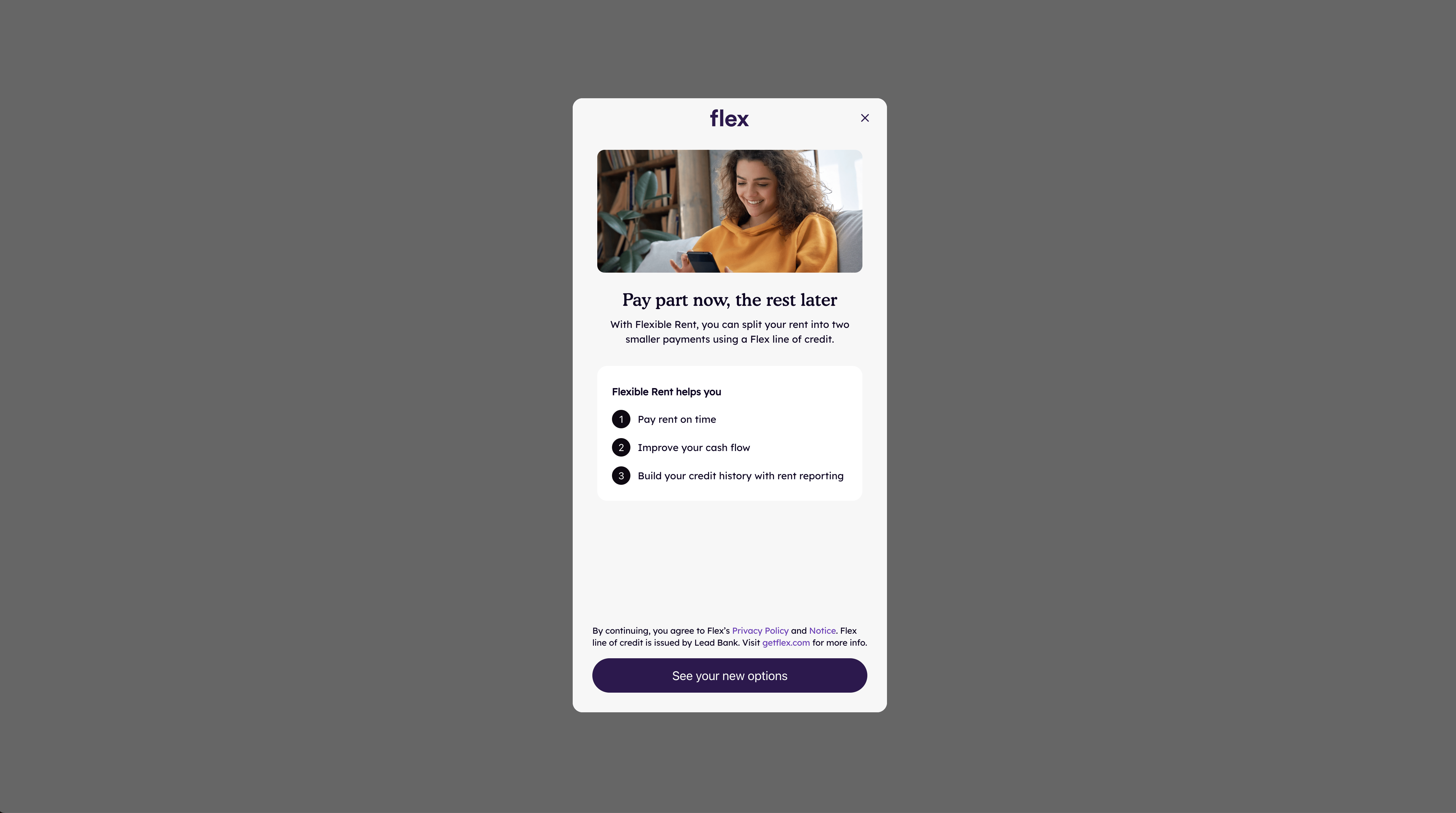
interstitial | Boolean | Whether to show or hide the interstitial screen. Defaults to true. |
Event Types
The onEvent callback receives an object with a type field, a productType field, and an optional data field.
| Event Type | Description |
|---|---|
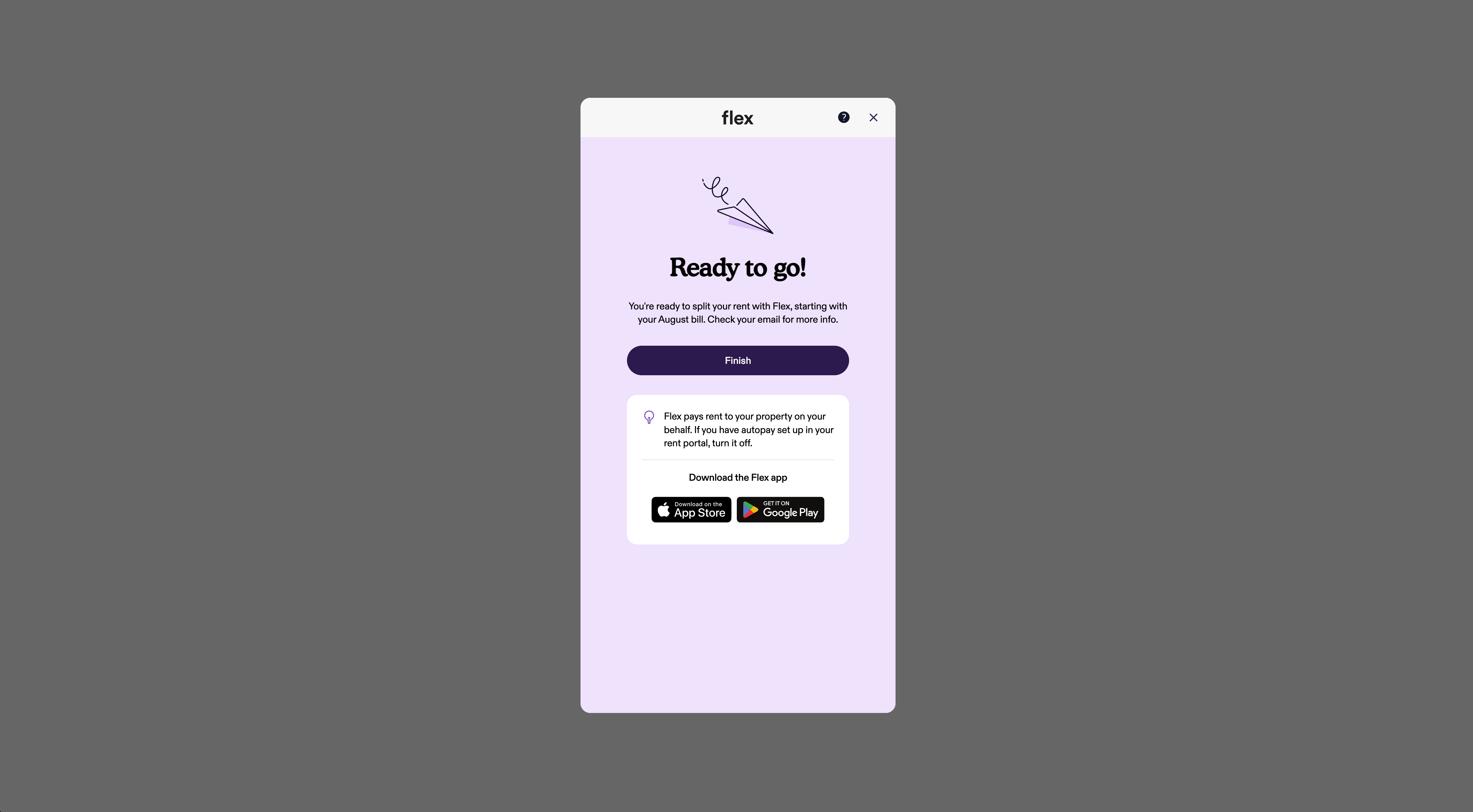
'MODAL_ONBOARDING_COMPLETED' | User has completed onboarding. Check event.data.autopayEnabled for autopay status. |
'MODAL_PAYMENT_COMPLETED' | User has completed payment. |
'MODAL_AUTOPAY_STATUS_UPDATED' | User has updated their autopay status. Check event.data.autopayEnabled for new status. |
Here's how to handle each event type and retrieve the event history:
flex.ready(() => {
  flex.checkout({
    onEvent({ type, productType }) {
      if (type === 'MODAL_ONBOARDING_COMPLETED') {
        // User has completed onboarding.
        // This will return the following data object
        // data = { autopayEnabled: boolean }
      } else if (type === 'MODAL_PAYMENT_COMPLETED') {
        // User has completed onboarding and has paid their bill.
      } else if (type === 'MODAL_AUTOPAY_STATUS_UPDATED') {
        // User has updated their autopay status.
        // data = { autopayEnabled: boolean }
      }
    },
  })
})
MODAL_ONBOARDING_COMPLETED always fires before MODAL_PAYMENT_COMPLETED: a user must complete onboarding (with autopay off) before making a one-time payment.
A history of events can be retrieved with checkout.events. The most recent event appears first in the list.
This history lives only in local memory, so it's cleared whenever the user reloads your portal page. Each entry carries the productType of its flow, just like the object passed to onEvent.
flex.ready(() => {
  flex.checkout({
    onClose() {
      const events = flex.checkout.events
      // Here 'flex.checkout.events' contains an array with these values:
      // [
      //   {
      //     type: 'MODAL_ONBOARDING_COMPLETED',
      //     data: { autopayEnabled: false },
      //     productType: 'rent'
      //   },
      //   {
      //     type: 'MODAL_PAYMENT_COMPLETED',
      //     productType: 'rent'
      //   }
      // ]
      // You can listen to the 'onClose' event and check what the
      // most recent event was that took place in a user's journey
      // in order to know what action to take on your portal web page.
      // The most recent event was 'MODAL_PAYMENT_COMPLETED'.
      if (events[0].type === 'MODAL_PAYMENT_COMPLETED') {
        // Show success message to user that has paid their bill.
      }
    },
  })
})
Calling checkout again merges with the existing configuration instead of replacing it: only the properties you pass again, like interstitial below, are overwritten.
flex.ready(() => {
  // Initialize checkout with a base configuration.
  flex.checkout({
    // The checkout modal will not display the interstitial when opened.
    interstitial: false,
    onOpen() {
      console.log('Checkout opened')
    },
  })

  // Re-call checkout later to update it: onOpen above stays registered since
  // it isn't passed again, but interstitial is overwritten since it is.
  flex.checkout({
    interstitial: true,
    onClose() {
      console.log('Checkout closed')
    },
  })
})
Methods
Exported methods for controlling and interacting with the Embedded Checkout modal.
checkout.close()
Closes the embedded checkout modal.
flex.checkout.close()